How to Comment or Post

If you have signed up as a subscriber you get the text of every Post sent directly to you via email. If you just want to read it, you don't have to do anything else. If you want to Comment or want to create your own Post, follow the steps below.
(You have to accept the invitation to be a Contributor create a Post. To date, only 5 of 34 members have done so. I will resend the invitation today. As previously mentioned, your Post won't show up immediately. I will have to give it the "OK.")
Go to the main page of the site: boomerthom.com
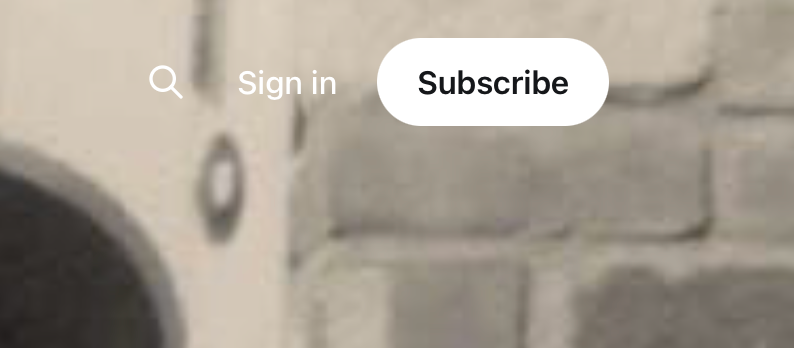
1. In the top right corner find the link to "Sign In."
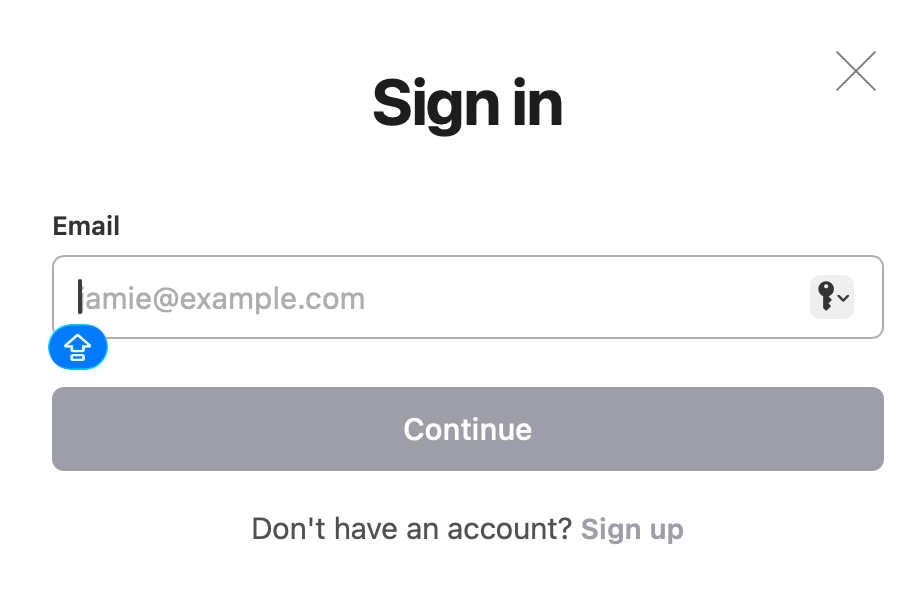
2. When you click on the link, you will be prompted to enter your email address.
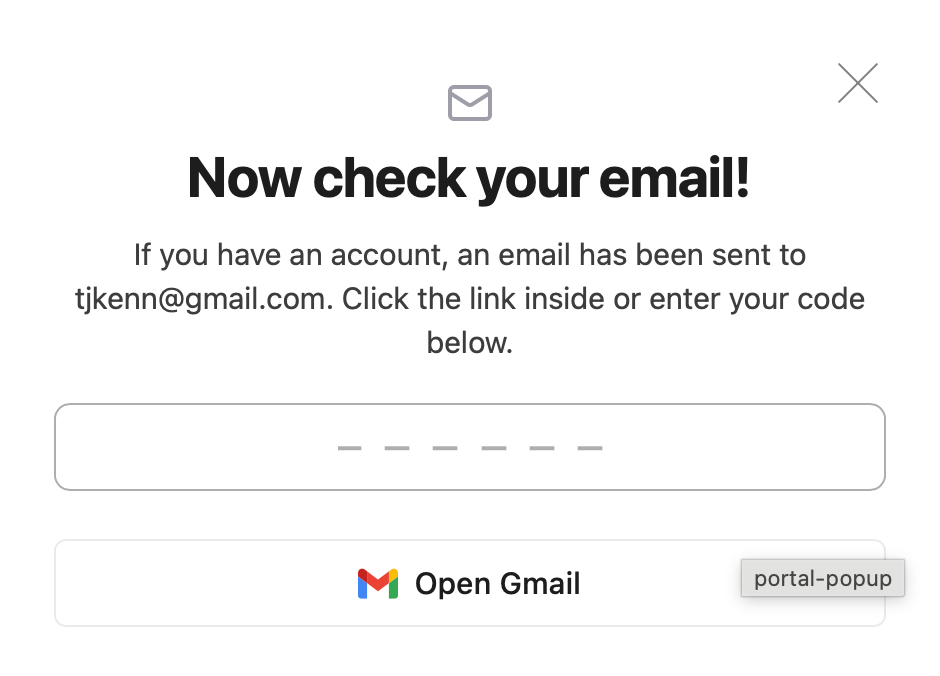
3. Once you submit, you will have two options
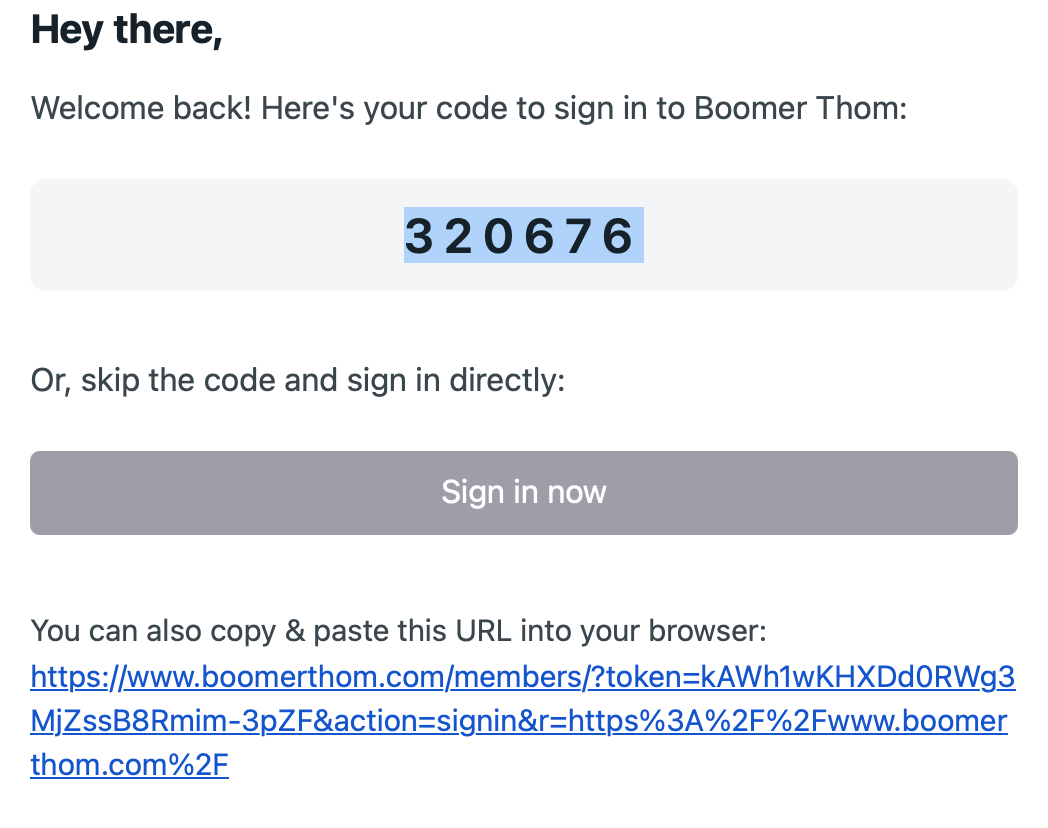
-a. You can enter the 6 digit numeric code that you got in your email
-b. You can click on the button that says "Sign in now"
4. Either way you will get logged into the site
5. You can now read any posts, comment on any, or create your own post
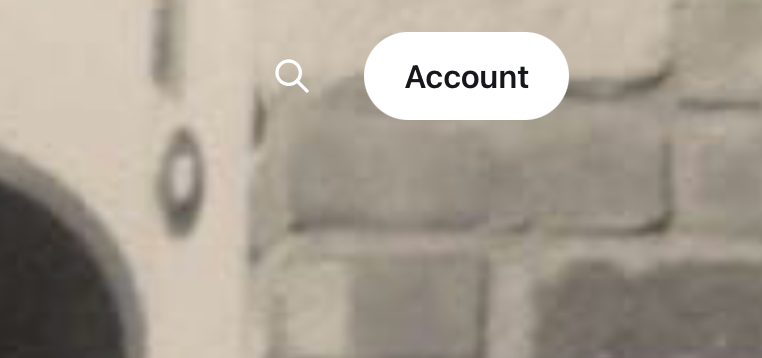
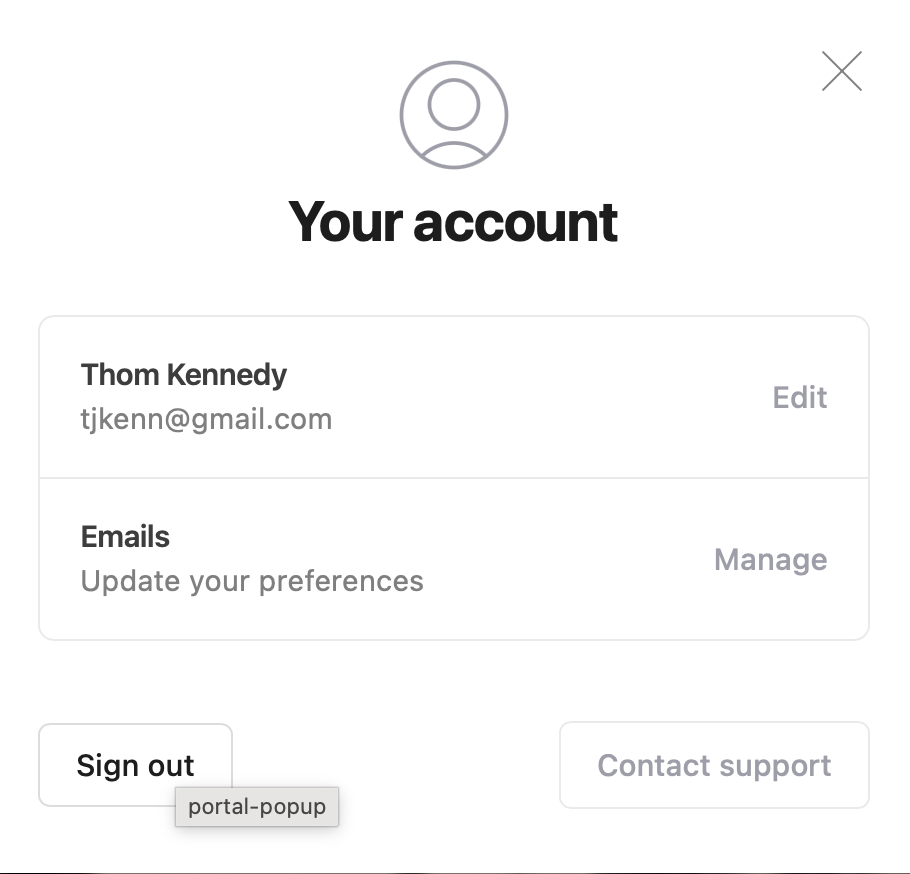
6. When you are finished, choose click on the Account button, and sign out.
I hope this clears things up a bit. I have included screen shots below to illustrate the steps.